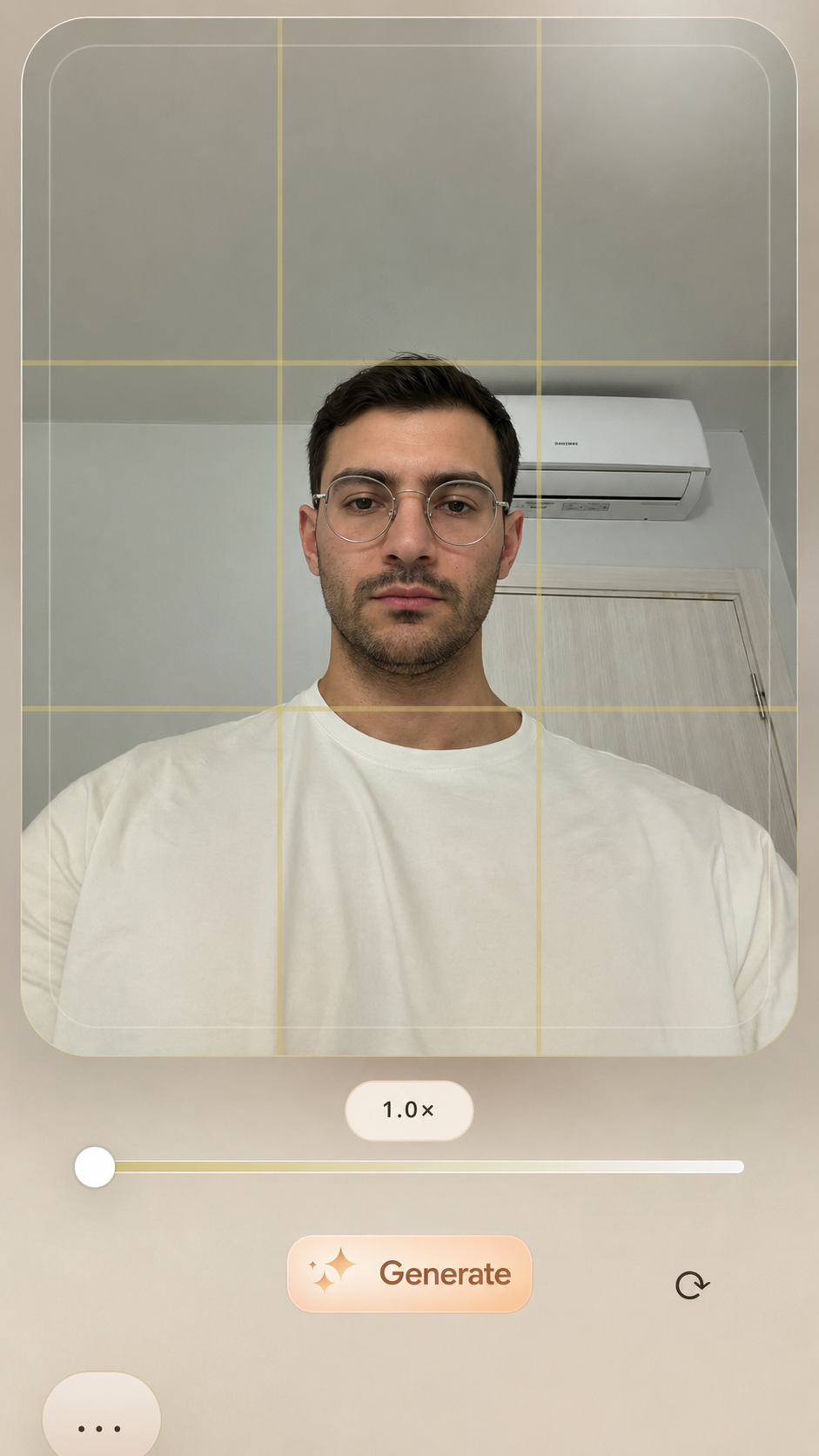
Click the “Generate” button to get composition and pose options for your photo.
Create an account or log in to unlock the camera and AI tools.
Click the “Generate” button to get composition and pose options for your photo.
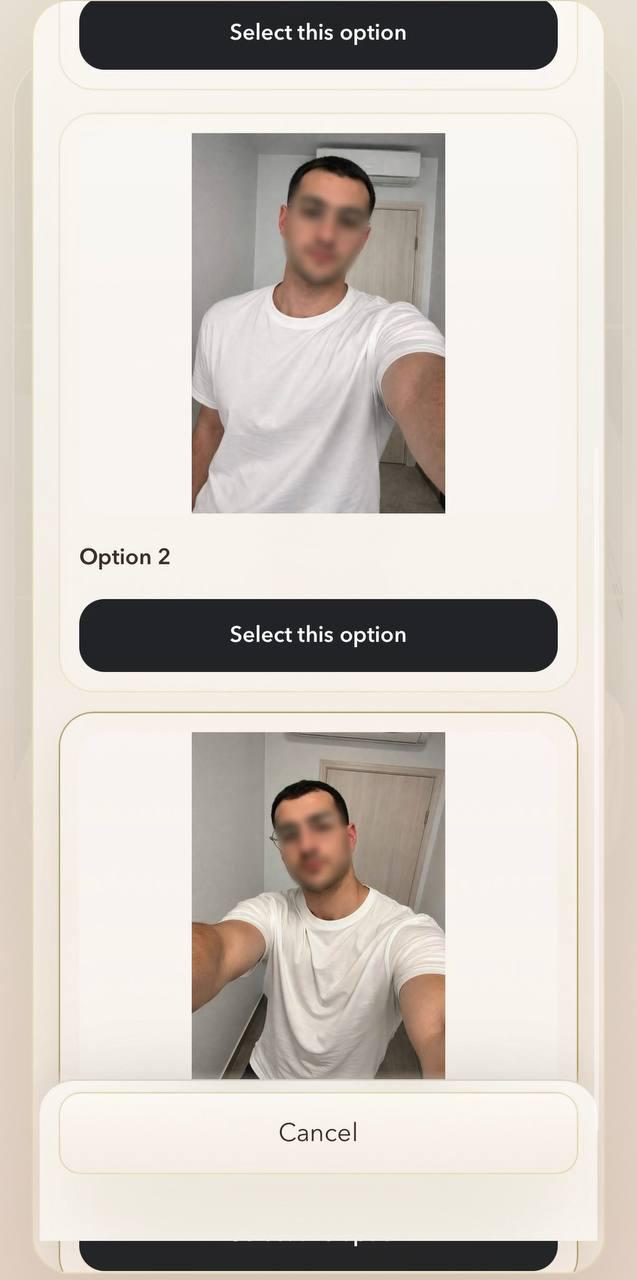
Select an option, then tap “Use selected image” to continue.
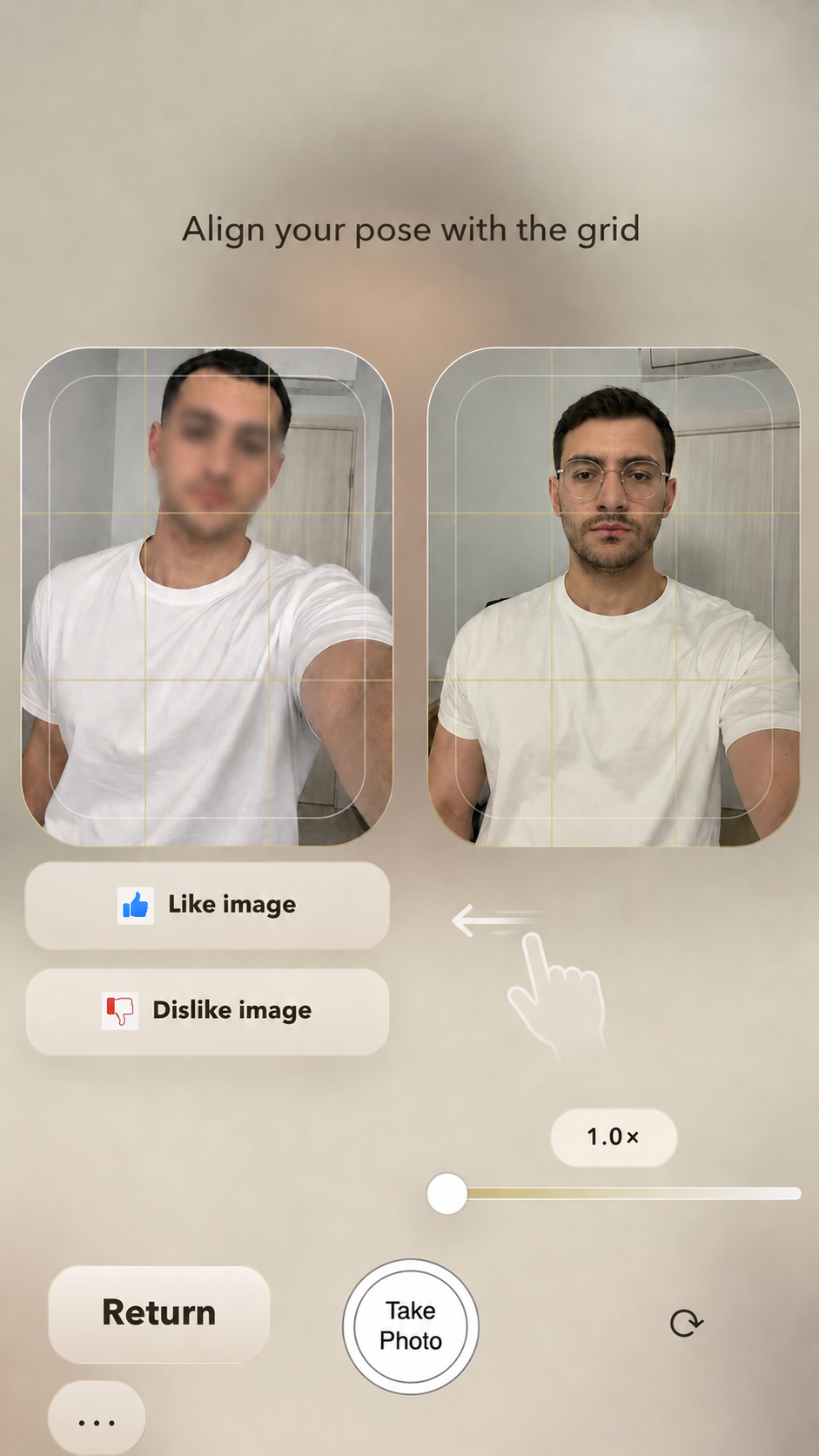
Use the selected image and grid lines to take the photo you want, or swipe left to switch to another UI.
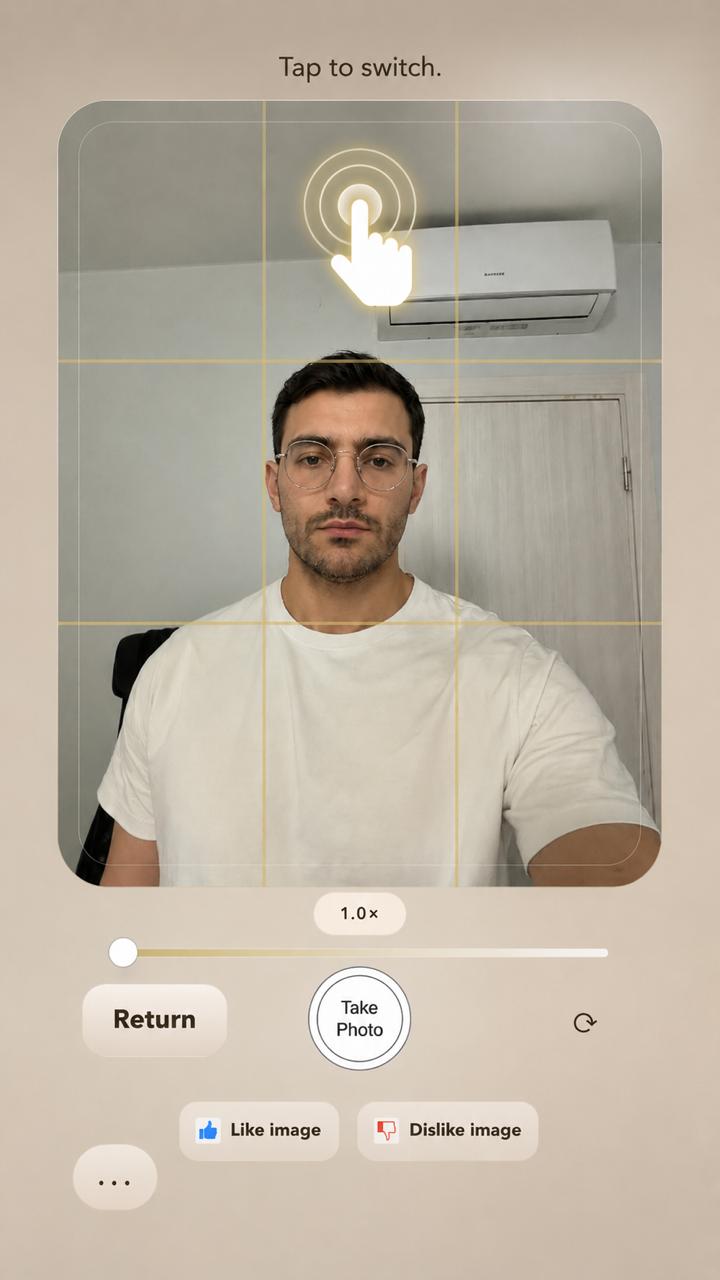
Tap the screen to switch between the camera and the selected image.
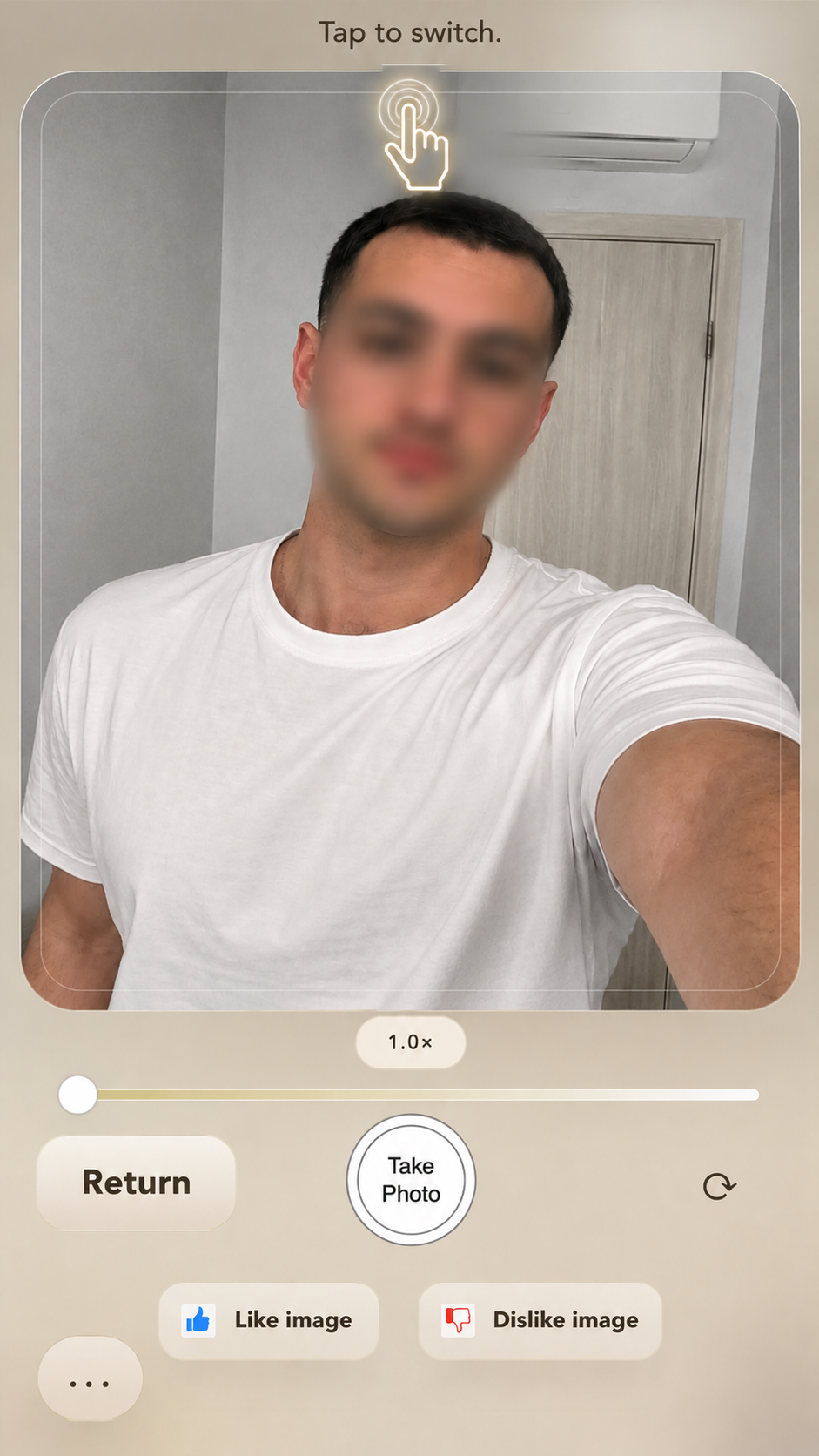
Tap the screen to switch between the camera and the selected image.
We’re creating a few variations for you now.
Images are being generated...